


Nowadays, managing information in physical format continues to be a critical element for organizations, despite the growing adoption of digital solutions. The storage of paper documents has become a strategic priority, as it ensures the availability, preservation, and security of the information that is essential for the daily operations of companies and institutions. Having organized and efficient systems not only protects information but also helps optimize document management processes and reduce risks associated with the loss or deterioration of records.
Essential Aspects of Paper Document Storage
1. Storage Space and Layout
One of the first factors to consider in the storage of paper documents is the proper arrangement of the space. It is essential to plan the distribution of the files to ensure optimal use and anticipate the future growth of the physical archive. The use of modular filing cabinets, sturdy shelving, and specialized boxes allows for efficient organization of documents, preventing overcrowding and facilitating access.
Likewise, the elimination of duplicate documents and the clear categorization of files help maintain an orderly and functional space. These principles not only improve efficiency but also form part of best practices in document management. To learn more about standards for handling and preserving archives, you can consult the official guidelines of the National Archives of Colombia.
2. Organization and Labeling
The storage of paper documents requires a meticulous organizational system. Classifying files into coherent categories, such as document type, date, or company department, makes it easier to quickly locate information. Additionally, the clear labeling of each box or folder allows users to immediately identify the contents, reducing errors and improving operational efficiency.
Document management recommends complementing physical organization with digital location-tracking systems, which make it possible to generate inventories and check the availability of documents without the need to physically review each file. This approach combines the security of paper with the speed of digital tools.
3. Information Security
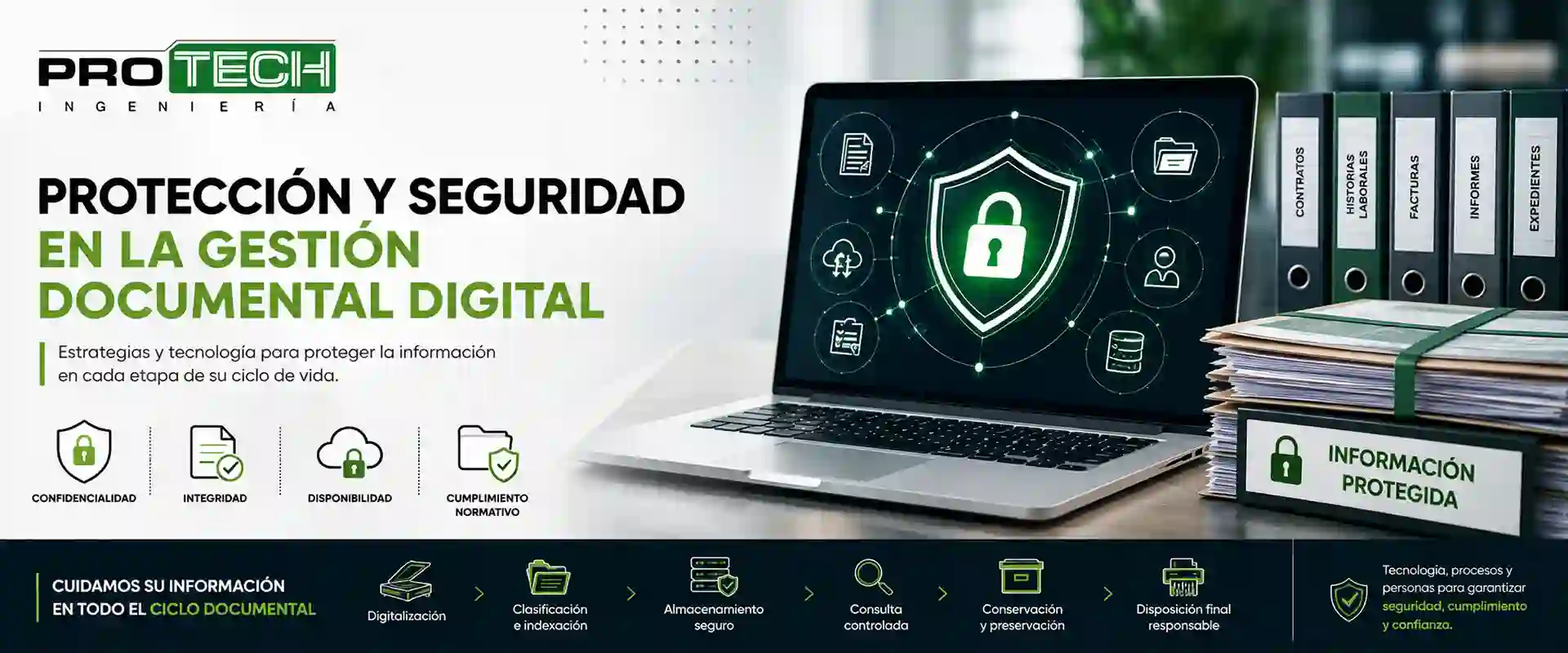
Protecting confidential information is a central aspect of storing paper documents. It is essential to restrict access exclusively to authorized personnel and to have clear procedures for handling records. Some measures include:
- Physical access controls using locks and security systems.
- Staff training on the safe handling of documents.
- Clear policies regarding the transfer, loan, and return of files.
In addition, integrating document management with traceability and control technologies makes it possible to monitor in real time who accesses each document, strengthening the protection of sensitive information. For more information on document security regulations, you can visit the website of the Superintendence of Industry and Commerce.
4. Paper Preservation and Environmental Conditions
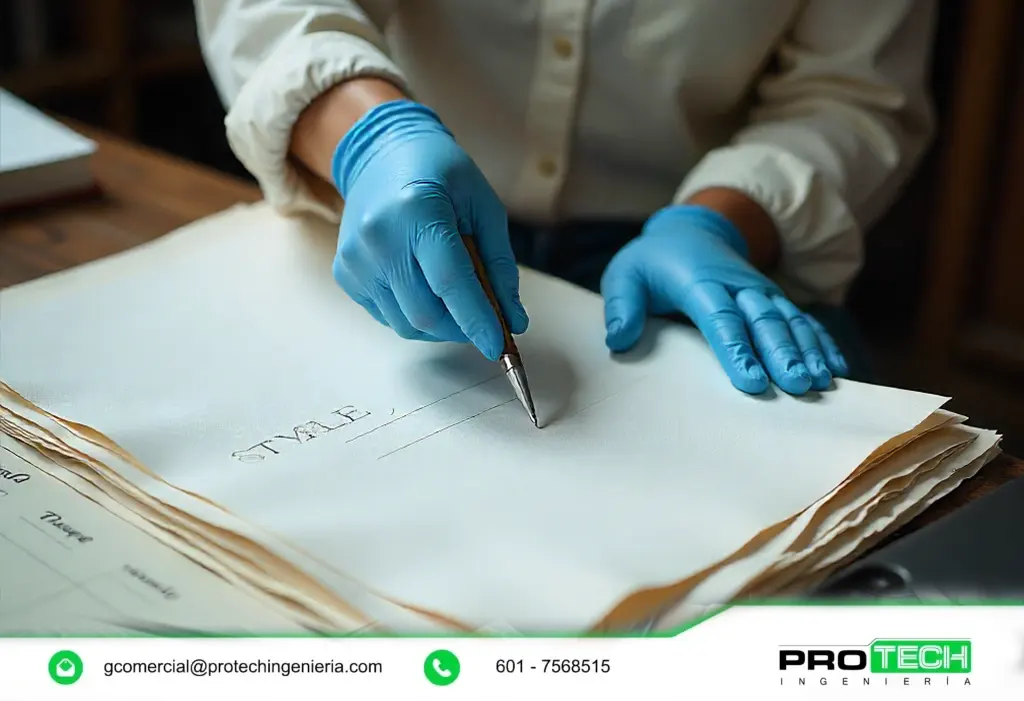
The storage of paper documents requires special attention to environmental factors that affect preservation, such as temperature, humidity, light, and contamination. Keeping records in spaces with controlled temperature and humidity extends the useful life of paper and prevents damage such as mold, yellowing, or brittleness. Proper ventilation and the use of fire- and moisture-resistant filing systems are part of the best practices recommended in document management.
5. Digitization as a Complement
Integrating document digitization is a strategic step within paper document storage. Converting physical records into digital formats helps reduce the physical space required and facilitates remote access. To ensure the effectiveness of the digitization process, it is important to:
- Use high-quality scanners and set appropriate resolutions.
- Choose file formats that ensure readability and compatibility, such as PDF/A.
- Link digitized documents to document management systems for complete information control.
These practices strengthen security, facilitate collaboration among teams, and allow physical files to be integrated into digital workflows.
6. Backup and Recovery
Backup planning is also essential in the storage of paper documents, especially when handling critical records. Having digital backup copies of the most important documents ensures recovery in the event of natural disasters, fires, or human error. In addition, it is recommended to keep physical duplicates in different locations, following best practices in document management.
Maximizing Security and Efficiency in Document Storage
1. Local Servers and Document Management Systems
Although paper documents require physical storage, their management can be reinforced through document management systems on local servers. This allows access control, maintains audit logs, and organizes the digital documents that complement physical records.
2. Cloud Storage
The use of cloud storage has revolutionized the way files are managed. Although physical documents still exist, creating digital copies in the cloud enables secure remote access and immediate collaboration between different departments. Cloud service providers use encryption and advanced security protocols, which strengthen the protection of confidential information.
3. Specialized Physical Systems
Storing paper documents requires appropriate physical systems, such as fire-resistant filing cabinets, safes, and reinforced shelving. These systems provide protection against theft, fires, and humidity, and are especially recommended for legal, accounting, or historical documents. Integrating these physical measures with document management software ensures full control over the lifecycle of records.
Document Management as the Core of Efficient Storage
1. Indexing and Classification Processes
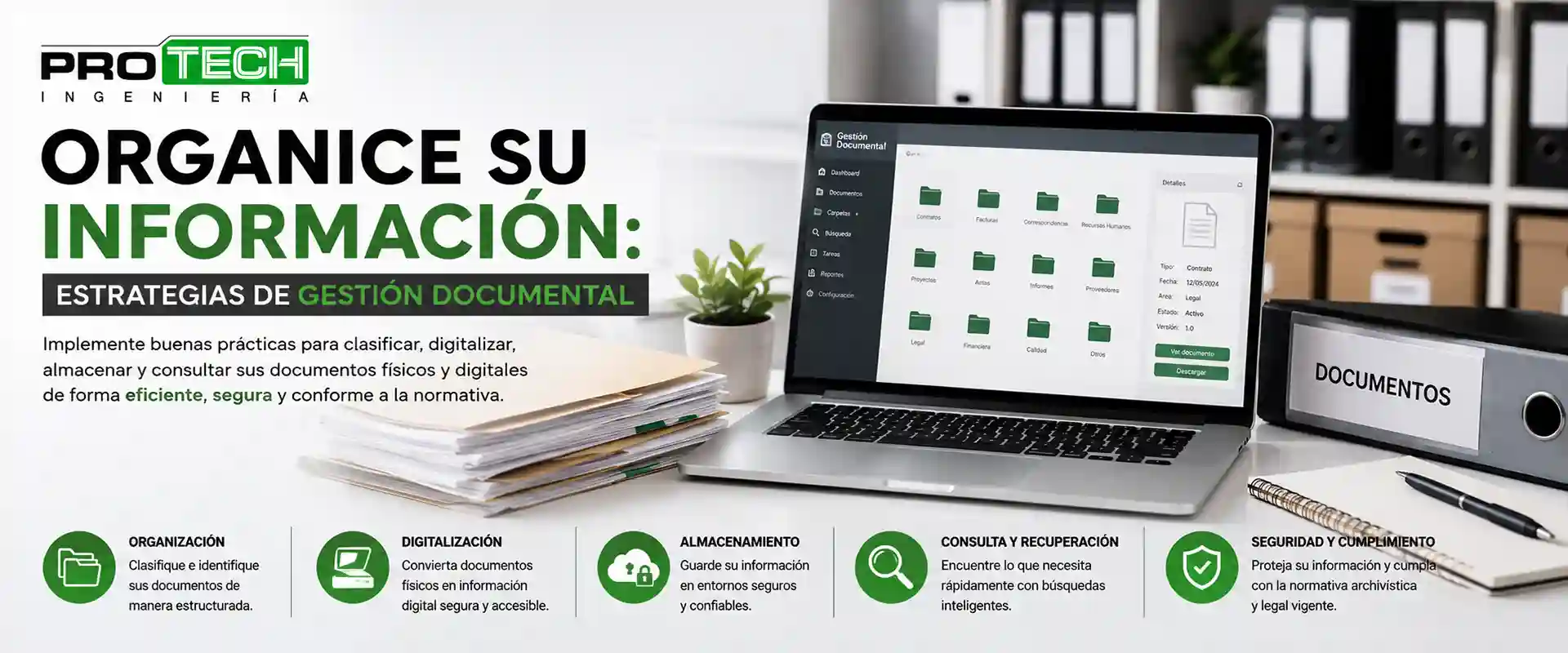
Efficient document management allows paper document storage to be more organized and accessible. Classification and indexing with keywords make it easier to quickly retrieve files and prevent time loss. Indexing can include data such as date, document type, and responsible department, thus optimizing workflows.
2. Task Automation
The automation of processes within document management boosts efficiency in the storage of paper documents. Specialized tools allow automatic tag assignment, location record updates, and the generation of periodic reports on the status of files. This reduces human errors and frees up resources for strategic organizational tasks.
3. Integration of Document Management Services
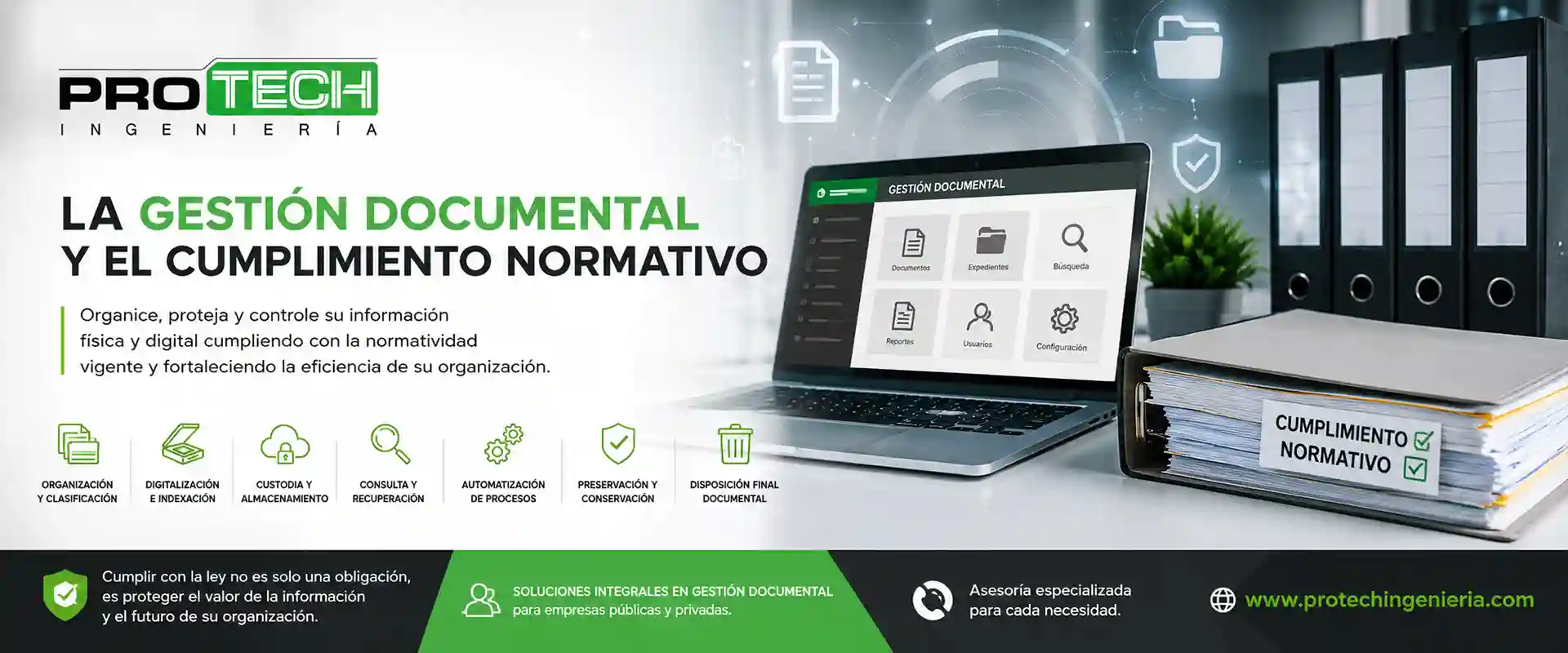
Storing paper documents should not be considered in isolation. Integration with services such as digitization, indexing, backup and auditing ensures comprehensive information management. Document management solutions make it possible to oversee each stage of the document lifecycle, ensuring that both physical and digital files remain organized, accessible, and protected.
4. Training and Organizational Culture
It is essential that all staff be trained in best practices for paper document storage. Training in file handling, information security, and the use of digital tools ensures that processes are carried out consistently and efficiently. Building an organizational culture oriented toward the protection and proper management of information strengthens all aspects of document management.
The proper implementation of paper document storage systems, accompanied by comprehensive solutions.
If your organization is looking to strengthen its internal processes and ensure the proper preservation of its physical information, this is the right time to take a strategic step toward safer, more efficient management aligned with the best practices in the sector.
Start today!
We invite you to comprehensively assess your company’s needs and explore how a robust document management strategy can strengthen the continuity of your operations.